

Next4Play Playout Otomasyonu
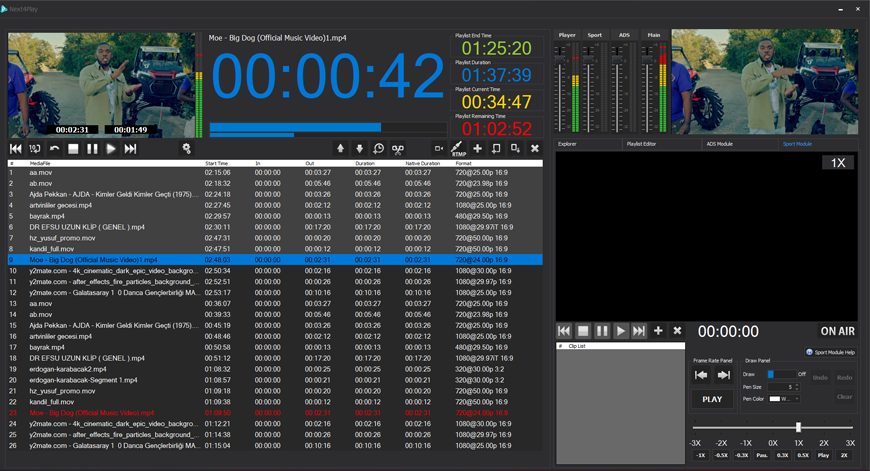
DOWNLOAD DEMO
Sound Control Mixer
Clear sound with a mixer module that Controls each Module and Main Output. Get equal sound with Volume Limit and Boost technology.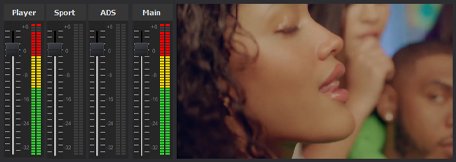
Advanced Modules
ADS Module
With the timed automatic broadcasting ad module, your ads are published on time without your intervention.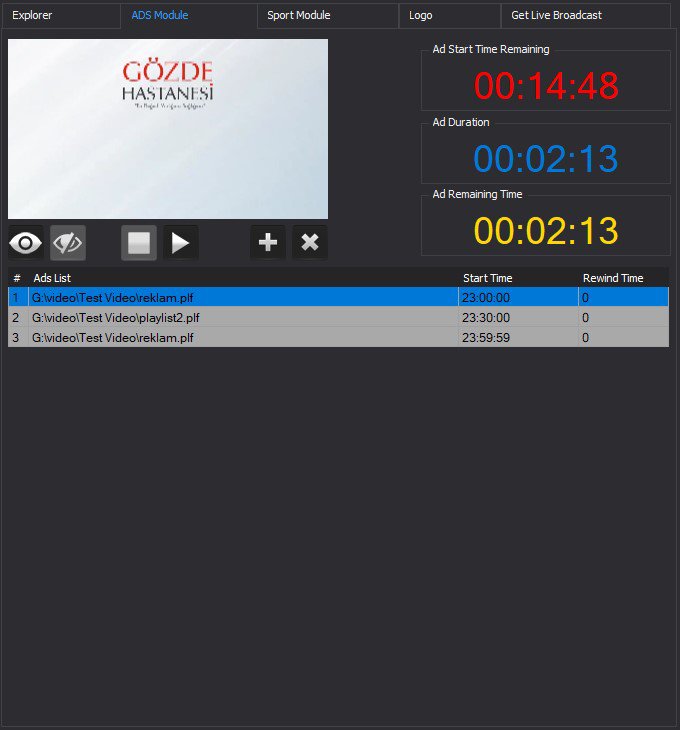
SPORT Module
Show your difference from your competitors with the sports module where you can use features such as stop, rewind, slow and fast playback in your sports videos..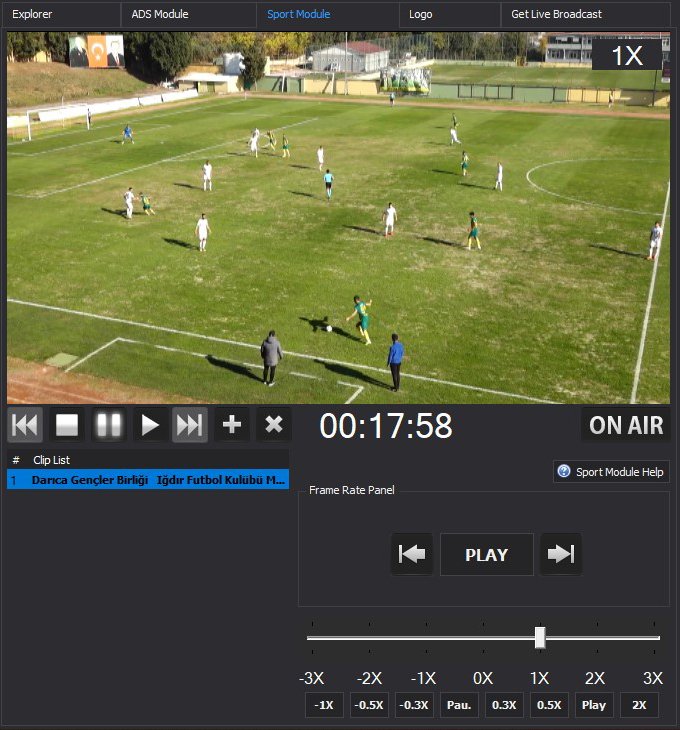
LOGO Module
The logo module, which consists of two parts, can add graphics to your main broadcast or to your advertisement module without your intervention, you can change the graphic in your broadcast when the advertisement module is entered, or you can broadcast the same graphic constantly only with the player logo. At the same time, you can assign any of the two graphics to the video you selected in the playlist, and you can automatically remove the graphic at the end of the video.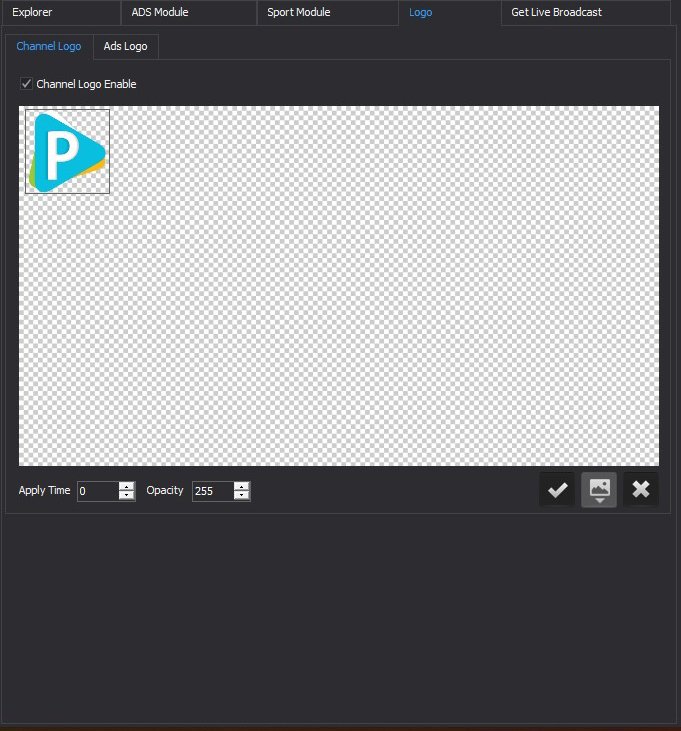
GET LIVE BROADCAST Module
It allows you to receive external RTMP and HLS broadcast streams to your broadcasts. You can stop broadcasts and broadcasts with the Onair button. You can check the information screen showing the broadcast health and the broadcast volume.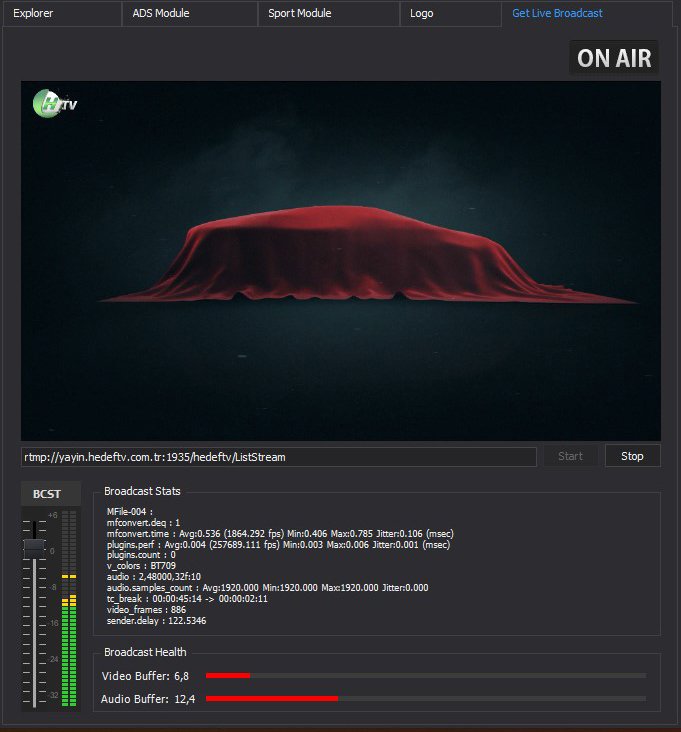
Basic CG Editor
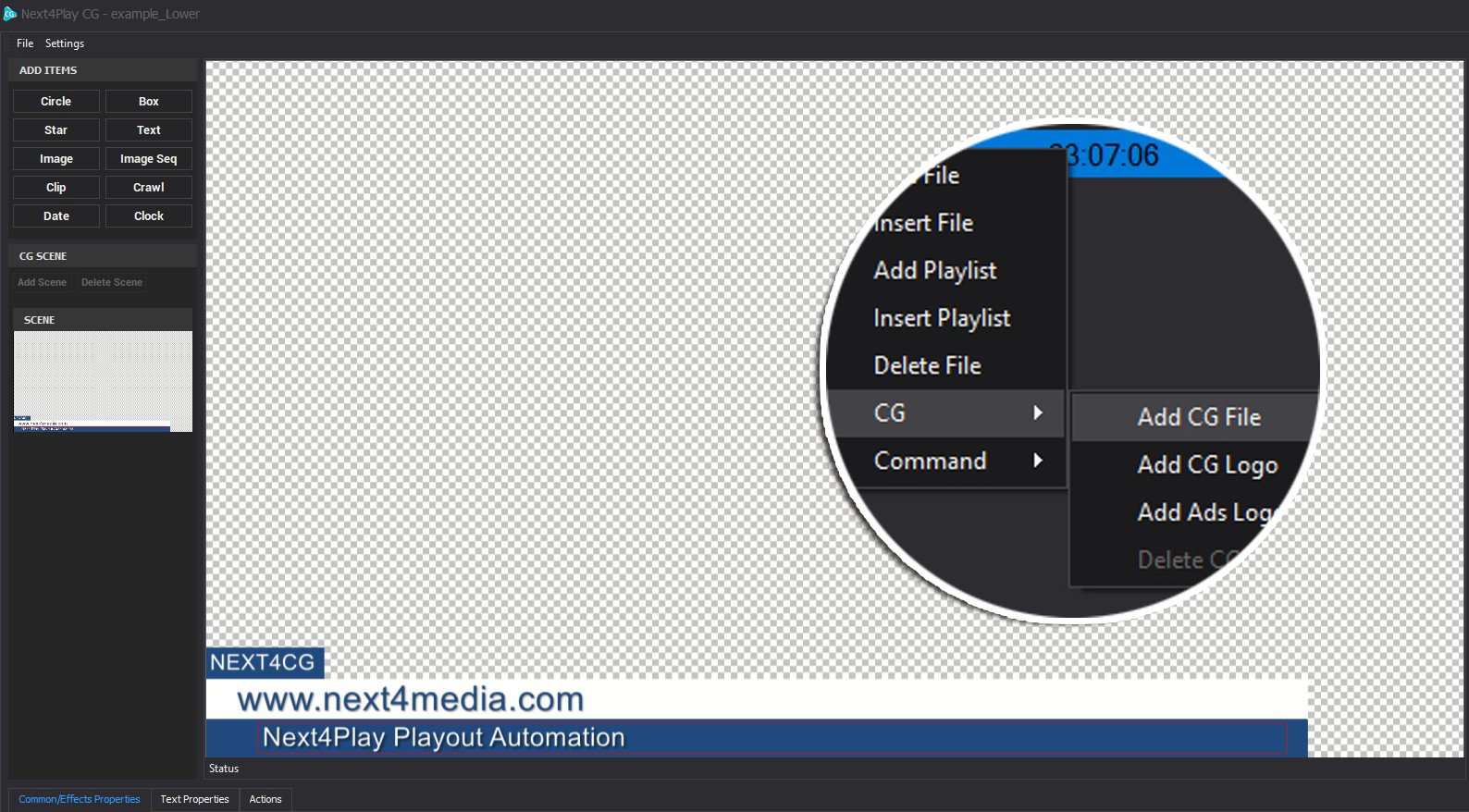
With the simplified CG Editor, you can save the graphics you have prepared as a file, then add the files you have recorded to any of the videos in the playlist and publish special graphics for your videos.
You can run CG Editor, which is designed as a standalone exe from Next4Play, whenever you want. This plugin is designed to work without affecting Next4Play.
This plugin comes standard with Next4Play and you can use it at no additional cost.
Playlist Editor
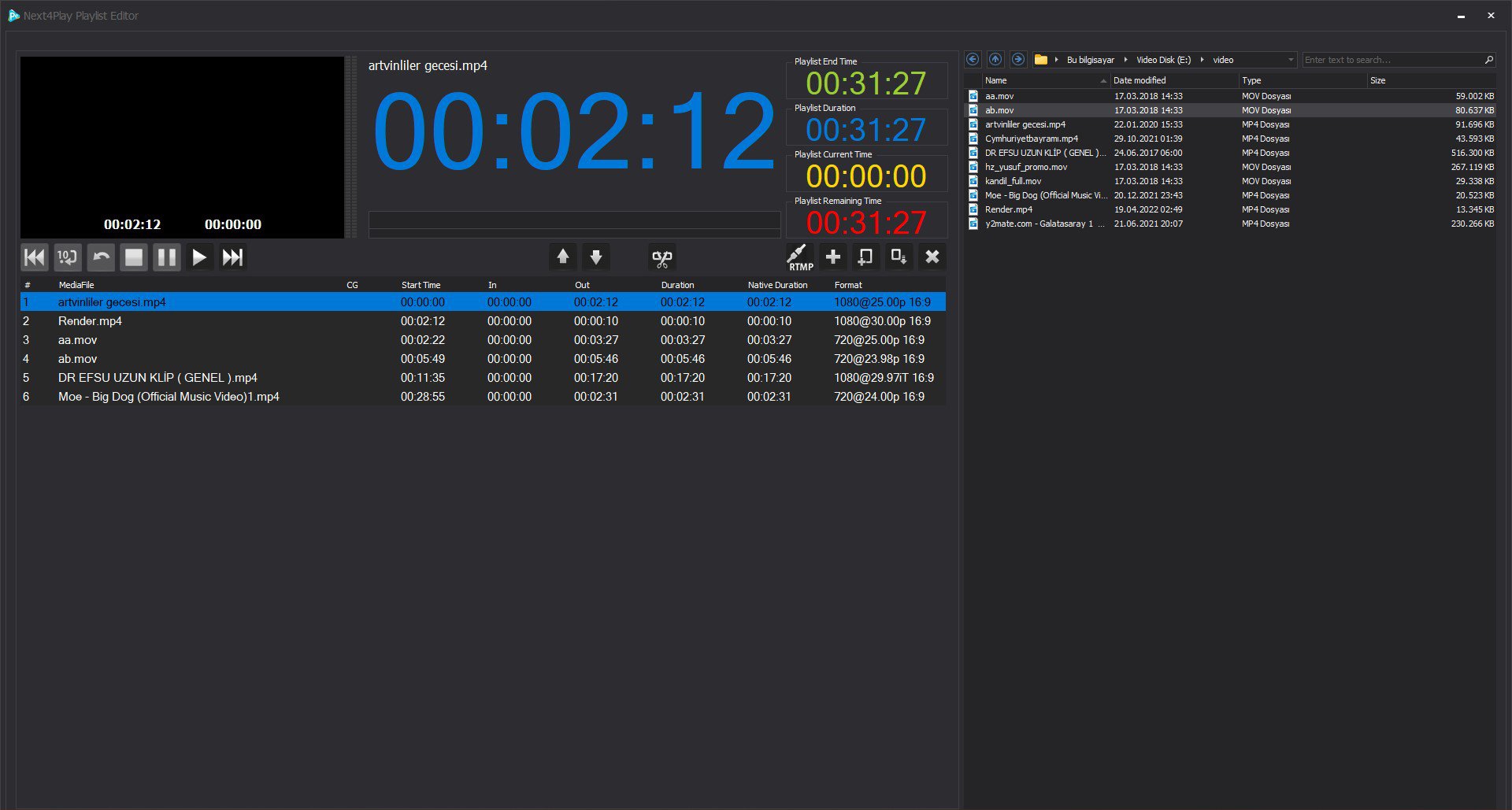
With Next4PlaylistEditor, you can create and save playlists independently, and add the recorded playlists to Next4Play.
You can run Next4PlaylistEditor, which is designed as a standalone exe from Next4Play, whenever you want. This plugin is designed to work without affecting Next4Play.
This plugin comes standard with Next4Play and you can use it at no additional cost.
No Complex Settings!
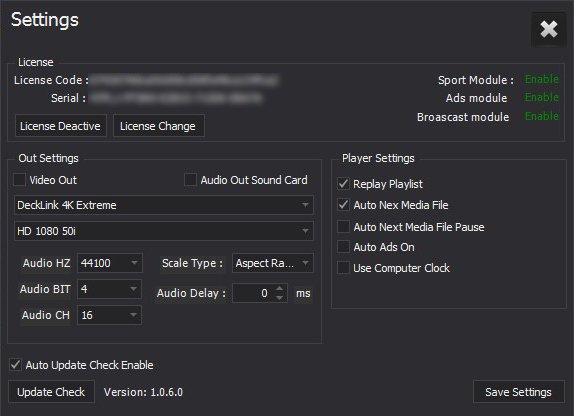
With the settings section we have simplified, you only determine the basic functions and leave the rest to Next4Play's power. Next4Play takes care of everything for you.
With its artificial intelligence, Next4Play intervenes in almost everything that you need to think about.
A simple example: your channel logo is on and the live video is playing. If the Ad logo is added, the ad logo will be activated automatically when the Ad module is activated, otherwise the channel logo will continue to be broadcast. If the advertisement comes into play during the video playback, the video waits as a pause and at the end of the advertisement, the video continues from where it left off. If a cg is added to the paused video at the time of advertisement, when the video is returned at the end of the advertisement, the added cg is activated.
Normally, you have to do all these checks yourself, but Next4Play checks all these for you.
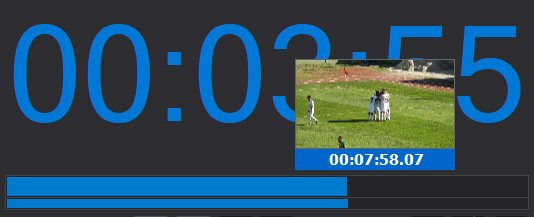
Timeline Seeking
You will be able to Control the uncontrollable video time with Next4Play, which is not in most Playouts, and jump to any time you want, and you will do it with preview.
Next4Play hangi çözünürlüklerde dosya oynatabilir ve NDI üzerinden çıkış verebilir mi?
Next4Play, SD, HD, 2K ve 4K çözünürlüklerde çok formatlı dosya oynatmayı destekler. NewTek NDI üzerinden hem giriş alabilir hem de çıkış verebilir.
Harici bir canlı yayını belirli bir saatte yayın akışına alabilir miyim?
Evet. RTMP ve HLS akışlarını canlı kaynak olarak alabilir, harici yayın bağlantısını oynatma listesine ekleyerek yayın saatini planlayabilirsiniz.
Planlanan reklam kuşağı video oynarken başlarsa videoya ve kanal logosuna ne olur?
Video duraklatılır ve reklam kuşağı bitince kaldığı yerden devam eder. Reklam logosu tanımlıysa kuşak boyunca otomatik olarak bu logo gösterilir; tanımlı değilse kanal logosu ekranda kalır.
Modüllerin ses seviyelerini ana çıkıştan bağımsız ayarlayabilir miyim?
Evet. Sound Control Mixer ile her modülün ve ana çıkışın ses seviyesini ayrı ayrı kontrol edebilirsiniz. Ses seviyelerini dengelemek için Volume Limit ve Boost özelliklerini kullanabilirsiniz.
Spor görüntülerini yavaş oynatabilir veya belirli bir ana dönebilir miyim?
SPORT modülü görüntüyü durdurma, geri sarma, yavaş ve hızlı oynatma işlevleri sunar. Timeline Seeking ile zaman çizelgesinde önizleme yaparak istediğiniz ana atlayabilirsiniz.
Yayın sürerken yeni bir oynatma listesi ve videoya özel grafik hazırlayabilir miyim?
Next4PlaylistEditor ve Basic CG Editor, Next4Play'den bağımsız çalışır. Hazırladığınız listeyi kaydedip Next4Play'e aktarabilir, grafiği ise oynatma listesindeki belirli bir videoya atayabilirsiniz. Her iki editör de yazılıma dahildir.
Bu ürün için henüz onaylı değerlendirme yok. İlk yorumu siz yazın.